Modules
Your site, shared data.
A Zone has its own home page, navigation, and layout. The community shapes the site, while works, people, and facts come from shared data.
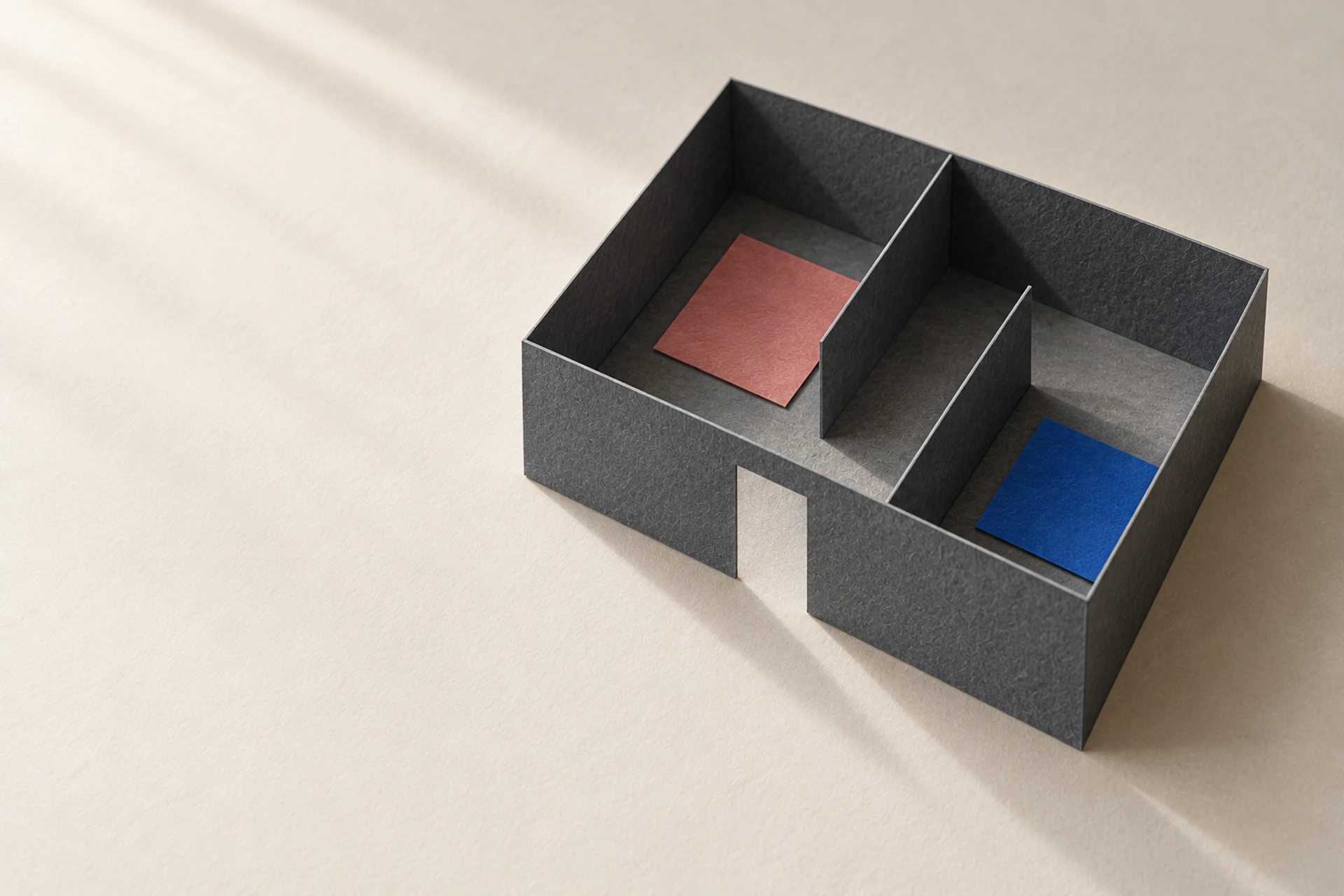
Routes
The community arranges every level of its site.
Each route has a fixed identity, and paths can use Chinese. Detail pages show only data included in the Zone. Creating a route does not create another record. Navigation is a separate tree, ordered by the community.
Example: routes for an A Certain Magical Index Wiki+
Home
/z/index-wiki
Works
/z/index-wiki/works
New Testament
/z/index-wiki/works/new-testament
People
/z/index-wiki/people
Reading orderCustom page
/z/index-wiki/reading-order
Timeline
/z/index-wiki/timeline
Search
/z/index-wiki/search
The Zone route table manages paths, and the platform reserves few words, so it will not take over your URLs. Discussions live at /r/index-wiki on the community side, and the two are linked.
Templates
Templates are chosen from the most specific match.
Each page section has a source: the current record, one of its properties, a document, a list, or a saved query. Lists in a section can be browsed to the last item.
Route setting
Use the template assigned to this route.
Kind
If none is assigned, use the template for this kind, such as one shared by all people.
Structure
If the kind has none, use the template for its structure.
General page
If none is available, use a general page with names, identifiers, claims and sources, and relations in both directions.
An unfamiliar kind does not borrow a book’s buttons. Its page includes only the parts it can use.
Themes
Themes can change the appearance, not protected features.
Communities choose branding, colors, type, and layout. The platform protects a few features, which stay in place with every theme.
Chosen by the community
Logo, colors, type, and layout.
Protected by the platform
Identity, search, language selection, sources, and accessibility.
Custom rendering code
A Zone can include custom rendering code when more is needed. The code is reviewed first, and readers can switch back to the standard layout at any time. The backend remains the same.
Wiki+
Wiki+ stops where you left off.
Wiki+ is a Zone for a work, with pages for people, places, timelines, and reading order. Infoboxes read facts from the graph, as do other pages that use the same facts.
Signed out
Start at the beginning of the story, with unrevealed facts hidden.
Signed in
By default, it stops where you have read. You can choose to show everything.
Built in one action
On their own computer, a person with a text chooses an AI agent to organize people, places, relations, and events chapter by chapter. Each item includes a location and a short quotation, then the set is submitted as a proposal. It is published after a reviewer approves it. REZICS never receives the full text.
Decided by each Realm
Each Realm decides whether agents can draft and whether generated articles are accepted.
Shared
Sites stand alone and share data.
The Traditional Chinese Wiki+ and an English reading group’s site can share the same works and people. One displays the title in Traditional Chinese, the other displays A Certain Magical Index in English, and both point to the same identity. Each chooses its names, descriptions, order, and sources.
A Zone can include books, anime, and games together to build a site for an entire fictional universe.
Revisions
Every revision stays in the record.
A revision is one package: routes, navigation, templates, themes, and queries move together into one version. Preview and validate before publishing. Afterward, restore the previous version or export the whole site.
Example: revision history for one Wiki+
Version three
Added a reading order page and a navigation item. Previewed, validated, and published.
Version two
People pages switched to a new template. Restored version one after publishing.
Version one
Home, works, people, and timeline. Published.
Four permissions
Site editing, publishing, community moderation, and graph contributions are separate permissions. Someone who changes the layout cannot necessarily change graph data.
Two settings
Whether a site is public and whether it appears in search and recommendations are separate settings.
One path
People edit in the browser and agents edit through the API, using the same path.
Every site looks different, with the same engine underneath.
Create a Zone on REZICS to build a site for your community.
Use one account to follow books and anime, track games, write ratings, and make lists. You can also build a site for your community in a Zone.